> ## Documentation Index
> Fetch the complete documentation index at: https://docs.spotdx.com/llms.txt
> Use this file to discover all available pages before exploring further.
# Core concepts
> The basics you need to understand how Spot operates
 ## Summary
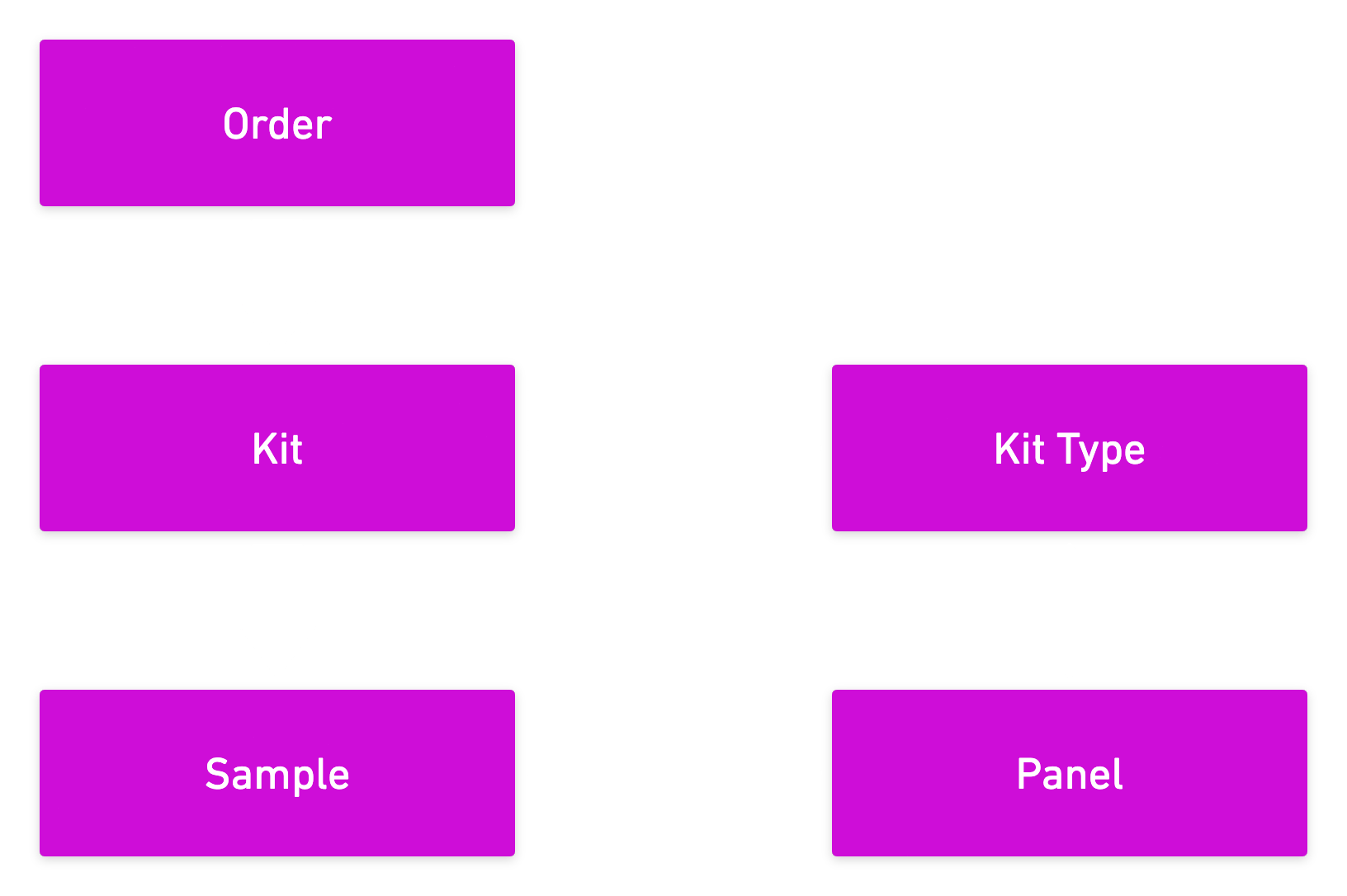
Spots, kits and orders form the core of Spot. Kit types and panels define the nature of kits and orders respectively.
### Orders
An order is an individual request to have Spot send one or more kits to a recipient.
### Kits and Kit Types
Self-collection kits, or "kits", are designed to facilitate the collection of samples needed to perform one or more
panels. As a result, a kit may contain multiple collection formats and/or multiple specimen types. Kit types define the
properties of kits and are connected to the panels associated with each kit's samples.
### Samples
Samples are what the labs in Spot's network analyze to report results. Each panel has its own requirements for specimen
type (blood, urine, saliva, cheek swab, etc.) and collection format (Whatman 903, ADx100, Hemaspot, Microtainer, tubes,
flocked swabs, etc).
Samples must be mailed back to the lab for analysis. Sometimes samples may be routed multiple times before hitting
their destination lab. Spot's sample tracking accounts for this.
### Test Panels ("Panels")
Panels are pre-determined sets of analytes that have been matched to labs within Spot's network. We treat tests and
panels the same. Tests are panels that contain a single biomarker.
## Summary
Spots, kits and orders form the core of Spot. Kit types and panels define the nature of kits and orders respectively.
### Orders
An order is an individual request to have Spot send one or more kits to a recipient.
### Kits and Kit Types
Self-collection kits, or "kits", are designed to facilitate the collection of samples needed to perform one or more
panels. As a result, a kit may contain multiple collection formats and/or multiple specimen types. Kit types define the
properties of kits and are connected to the panels associated with each kit's samples.
### Samples
Samples are what the labs in Spot's network analyze to report results. Each panel has its own requirements for specimen
type (blood, urine, saliva, cheek swab, etc.) and collection format (Whatman 903, ADx100, Hemaspot, Microtainer, tubes,
flocked swabs, etc).
Samples must be mailed back to the lab for analysis. Sometimes samples may be routed multiple times before hitting
their destination lab. Spot's sample tracking accounts for this.
### Test Panels ("Panels")
Panels are pre-determined sets of analytes that have been matched to labs within Spot's network. We treat tests and
panels the same. Tests are panels that contain a single biomarker.